ScanMyPantry press kit
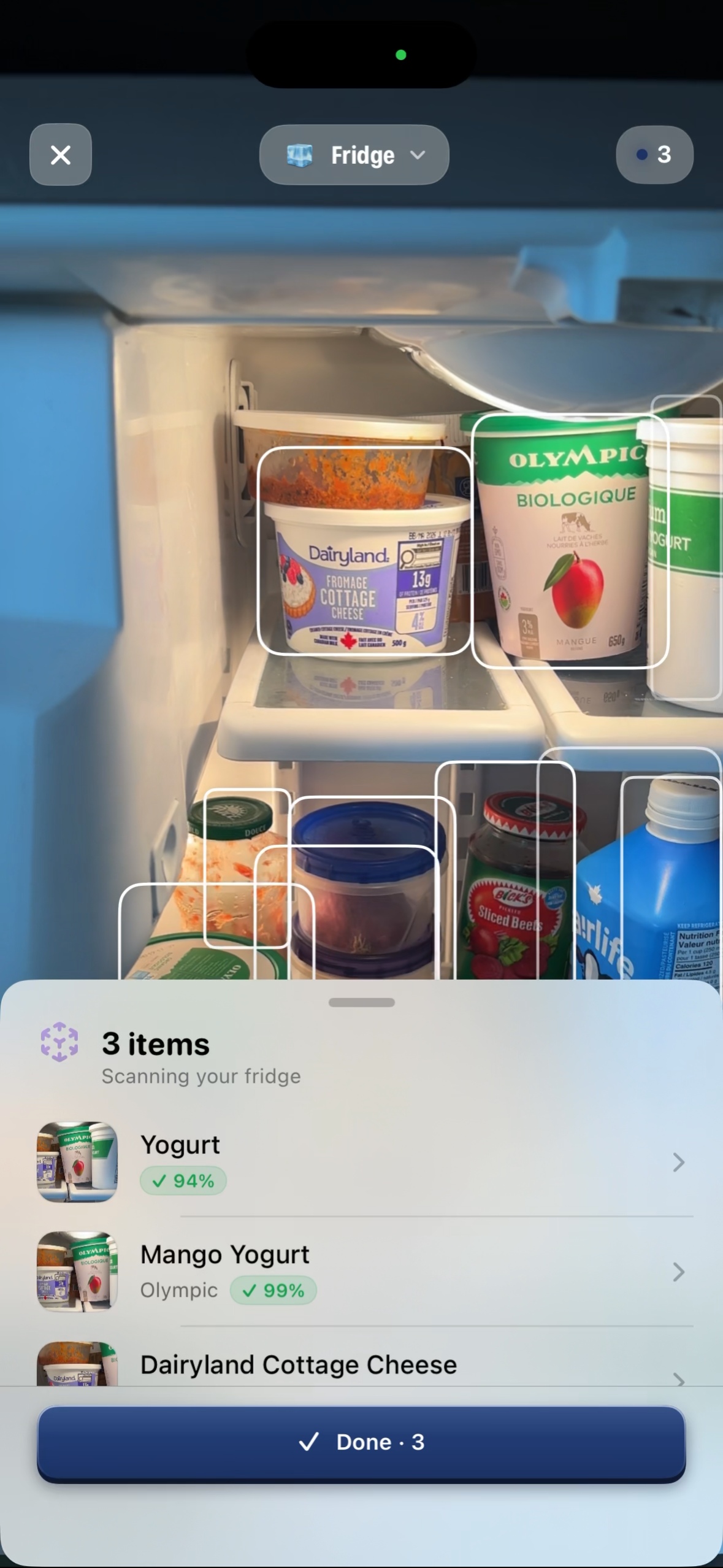
ScanMyPantry is a kitchen inventory app for iPhone and iPad. Its live camera scanner uses AR outlines to show which visible foods it has picked up. You can start scanning without a barcode. Review the suggestions, correct any details, and save the foods you want to track.
A quick scanner test for reviewers
- Fridge shelf. Point the camera at a few visible foods. Observe which items get outlines and which names appear.
- Loose produce. Try an unpackaged item. Check the suggestion against the food and correct the name or amount if needed.
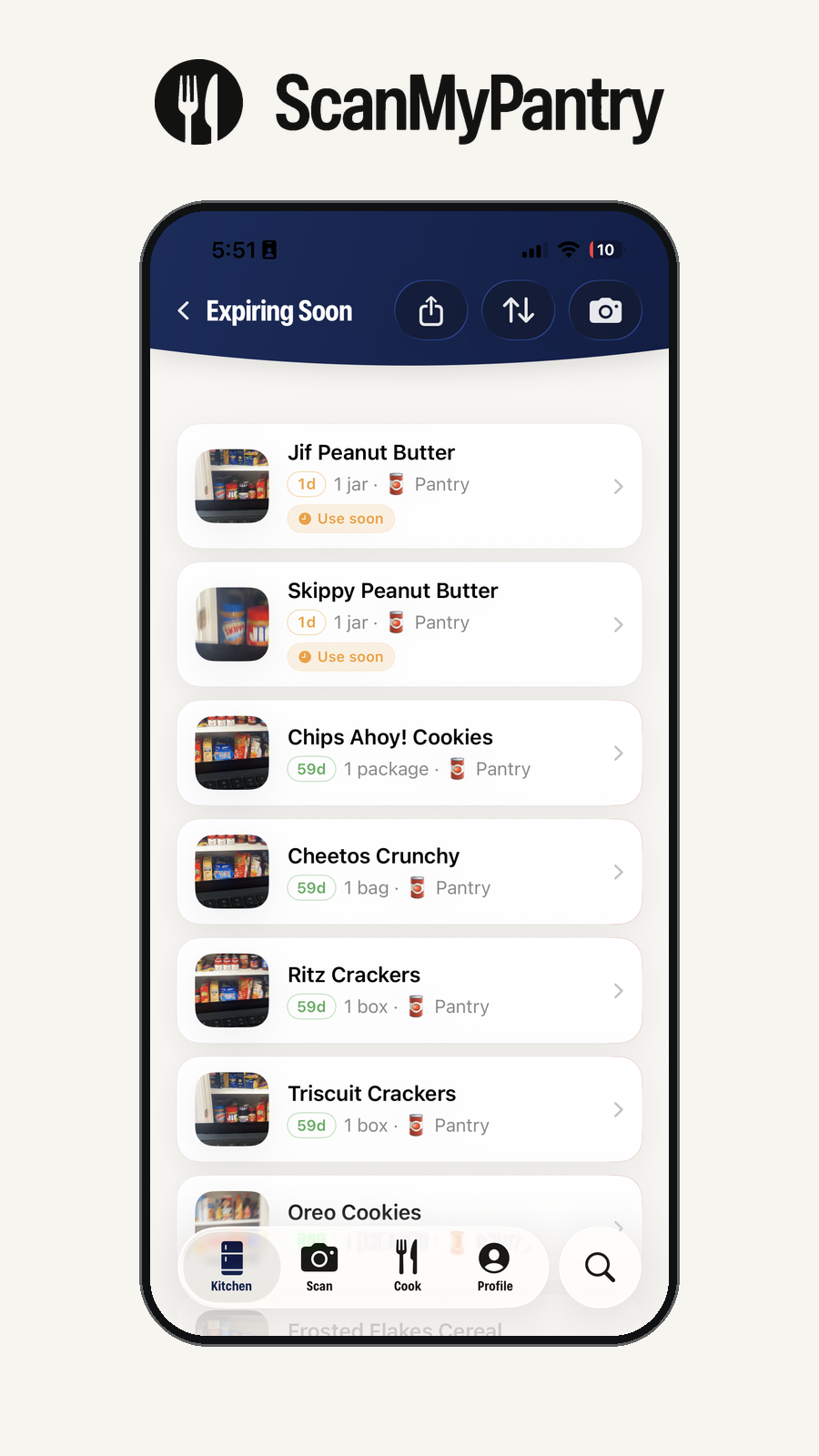
- Pantry shelf. Save selected items to your pantry, reopen the inventory, then update an entry as you would after cooking.
Try the same items in any other scanner you review. Include one loose item, one package with a readable barcode, and one item partially hidden behind another. Record which items each app picks up, which suggestions you correct, and whether the saved list matches what you intended to record. Camera angle, lighting, and overlap can affect results.
See the full three-grocery comparison checklist.
Product footage and images
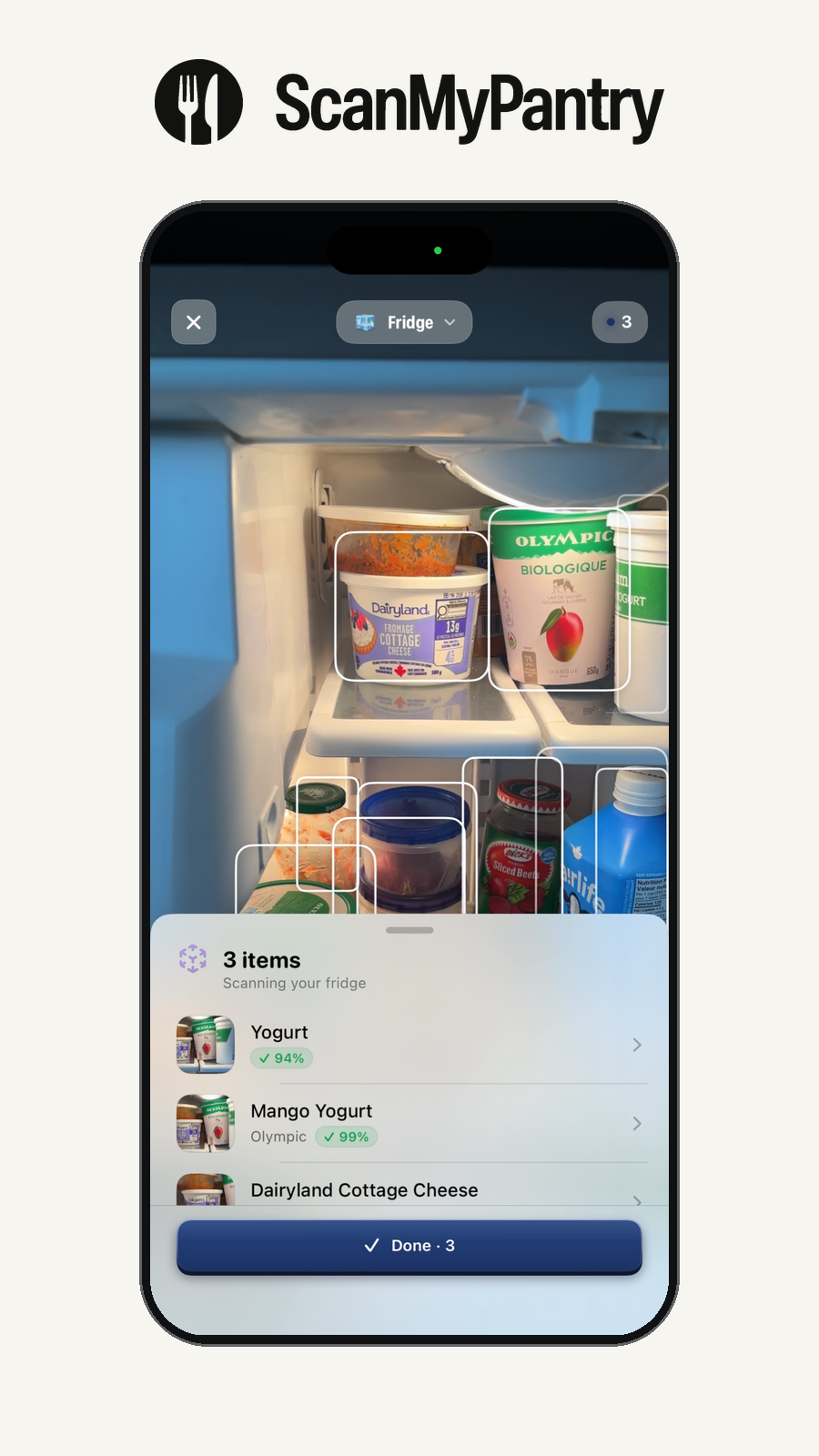
Watch the fridge scanning clip or open the original MP4. The clip shows live item outlines and suggested food names.
- Original scanner screenshot (PNG)
- Scanner screenshot in an iPhone frame (PNG)
- Saved inventory screenshot in an iPhone frame (PNG)
- Official app icon (PNG)
- Official logo and wordmark (transparent PNG)


Browse more screens and captions.
Where to try ScanMyPantry
Use the App Store listing for your region to check current compatibility, plans, and user ratings.
Product references
- Canadian App Store listing for current compatibility and plans
- Step-by-step grocery scanning guide
- Privacy policy