Keep food dates
in view.
Record food dates, review estimates, and see which items may need attention soon. ScanMyPantry helps you organize a fridge, pantry, and freezer inventory so you can decide what to use next.


Review dates.
Choose what’s next.
Keep dates with your recorded kitchen inventory and review items that may need attention. ScanMyPantry can provide estimates for some items; check and correct them against packaging and your own records.
- Review and edit dates associated with recorded foods
- See date estimates as estimates, and check them against the package
- Enable iPhone notifications for recorded dates
- Organize items across your fridge, pantry, freezer, and custom spaces
- Update your inventory when food is used, moved, or its details change
- Use food-safety guidance and your own judgment; reminders do not assess safety
Expiry Date Tracker FAQ
How does ScanMyPantry track expiry dates?
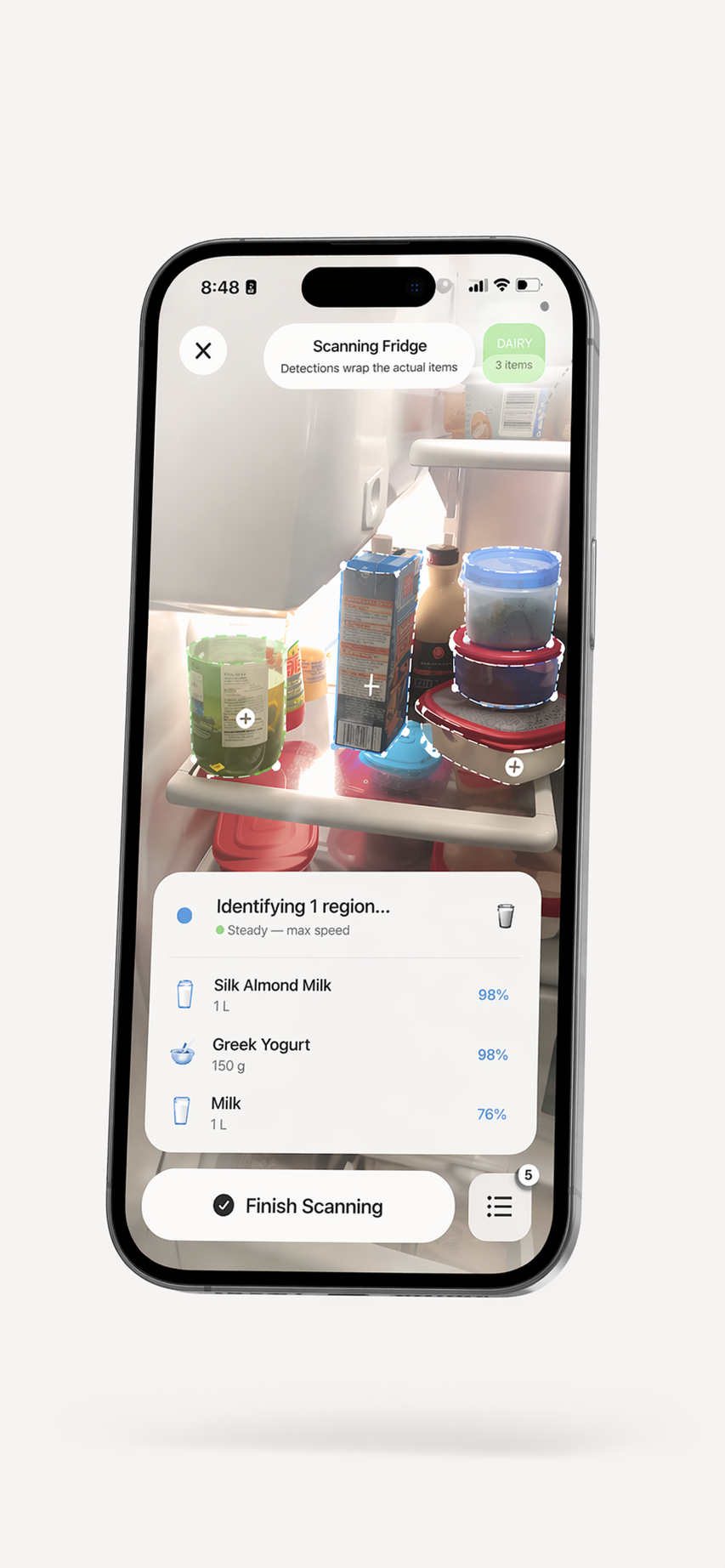
ScanMyPantry can show a date estimate for a recorded food item and lets you review or edit its date. Estimates are not guarantees. You can organize your kitchen inventory and receive reminders for recorded dates when notifications are enabled.
Does the scanner detect expiry dates from labels?
Some scans may provide a printed date when the date is clearly grounded in the item information, but recognition is not guaranteed. Check the package yourself and correct the date in the app. Some items may instead have an estimated date that should be reviewed.
What kinds of expiry dates does it track?
You can review and edit dates associated with items in your inventory. Date labels and food guidance vary by product and region, so use the package and local food-safety guidance as your source of truth. A reminder is not a food-safety assessment.
Can I get alerts for multiple items at once?
When freshness notifications are enabled, ScanMyPantry can send reminders for recorded dates, including two days before and on the recorded date. Notification delivery depends on your iPhone settings. Review the item and its packaging before deciding what to use.
Know what to use next.
Keep food dates and your kitchen inventory in one place.

Free to download with optional in-app purchases. No account is required for core pantry use. Requires iOS 18.4 or later.