Scan a barcode.
Know everything.
Point your iPhone at any food barcode. In under a second, ScanMyPantry identifies the product, pulls nutrition facts, checks typical shelf life, and adds it to your inventory. Works with millions of products from the Open Food Facts database. Pair it with AI visual scanning for the fastest, most complete kitchen inventory system.


Visual AI + barcode.
The complete scanner.
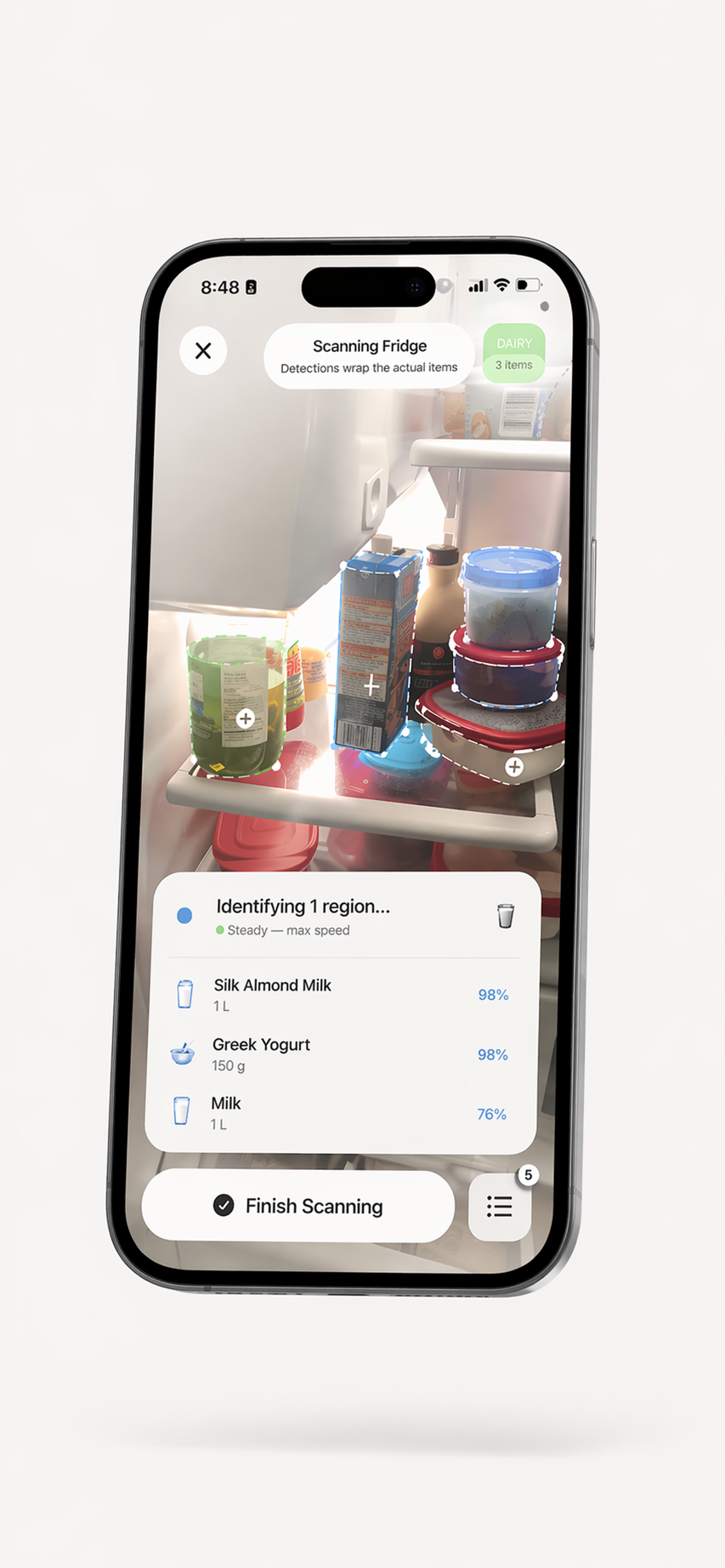
No single scanning method handles every food item. Fresh produce has no barcode. Generic bulk items have no brand. That's why ScanMyPantry combines both: AI visual recognition for produce, bulk items, and leftovers; barcode scanning for packaged goods with UPC codes. The result: a kitchen inventory that captures everything, no matter how you bought it.
- Instant barcode reading — under 1 second per scan with iPhone camera
- Open Food Facts database — millions of products with nutrition and shelf-life data
- Automatic inventory addition — scanned items go straight to your pantry/fridge list
- Nutrition facts at a glance — calories, macros, ingredients, allergens
- Dual-mode scanning — switch between AI visual and barcode with one tap
- Offline barcode history — recently scanned products available without internet
Barcode Scanner FAQ
How does the barcode scanner work?
Open ScanMyPantry, tap the barcode icon, and point your camera at any UPC or EAN barcode. The app reads the barcode instantly and queries the Open Food Facts database for product name, nutrition information, and typical shelf life. The item is then added to your inventory automatically. Barcode scanning works alongside the AI visual scanner — use whichever is faster for the item at hand.
What information does the barcode scanner provide?
For most packaged goods, you get: product name and brand, nutrition facts (calories, macros, ingredients), typical shelf life or expiration guidance, category tags (dairy, snack, condiment, etc.), and in some cases, allergen warnings and dietary certifications (organic, gluten-free, kosher, etc.). Data comes from the Open Food Facts database, a collaborative open-source project with millions of products.
Do I need barcode scanning if I have AI visual scanning?
Not always — but barcode scanning is more precise for packaged goods. While AI visual recognition can identify 'a box of pasta,' the barcode tells you it's 'Barilla Penne, 16oz, enriched macaroni product.' For items that look similar (different brands of the same product), barcodes provide certainty. They work best together: visual scanning for fresh food, barcodes for packaged goods.
Scan everything in your kitchen.
Download ScanMyPantry — AI vision + barcode scanning, free.

Free — no account needed. Compatible with iPhone XS and newer, iOS 18.4+.